
Getting started with a money app can feel like signing up for a second job: connect your bank, face a long list of transactions, and wonder whether you have to sort every purchase you made years ago. You don't. The quickest route to a useful budget is to bring in enough data to see your normal spending, without importing history you are unlikely to use.
1. Connect the accounts that complete the picture
Start with the bank accounts and cards you actually use for income, bills and everyday spending. If you split expenses across two banks, connect both; otherwise your budget will miss part of the story. The goal is the fewest transactions that still give you a complete picture, not the fewest accounts at any cost.
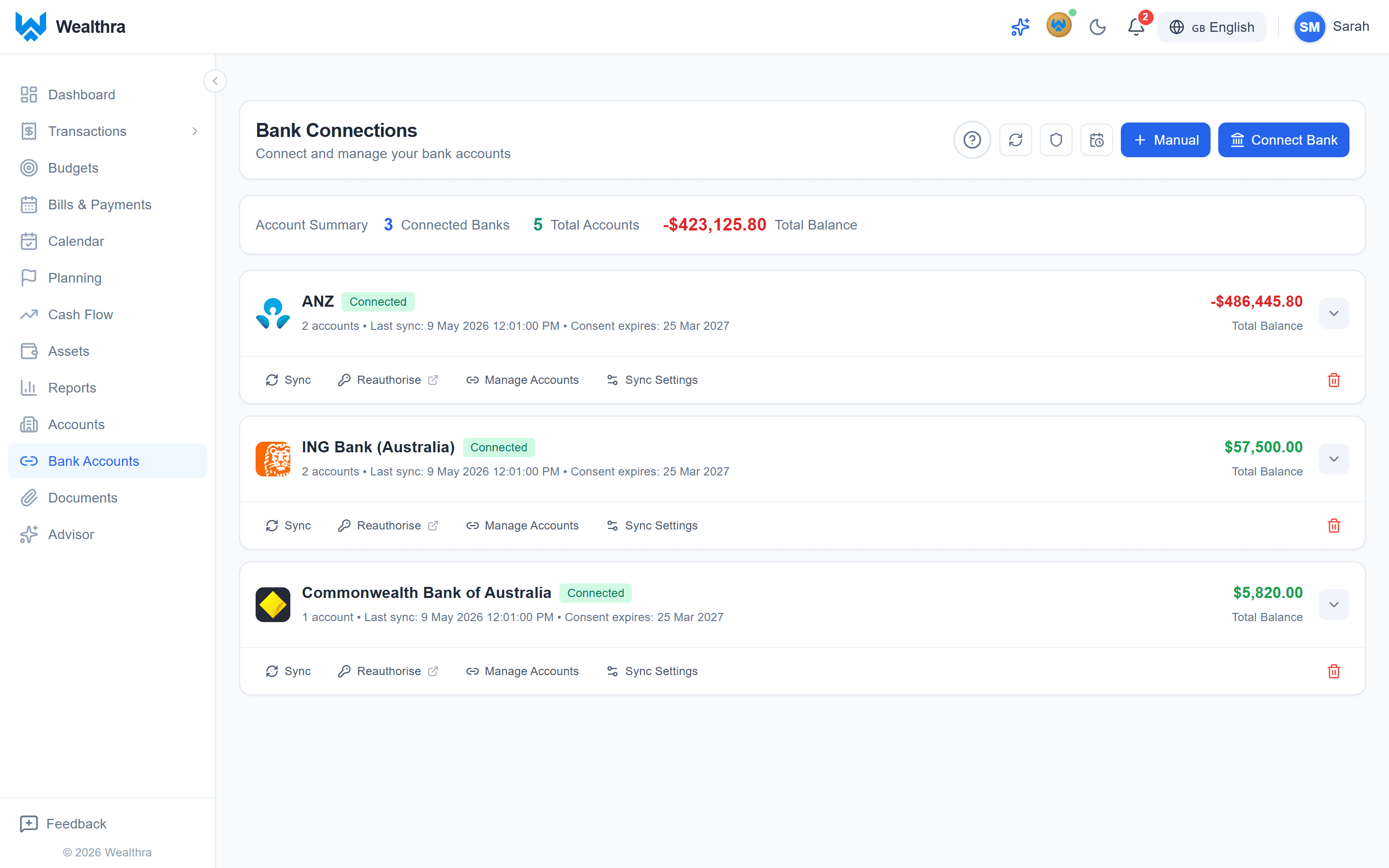
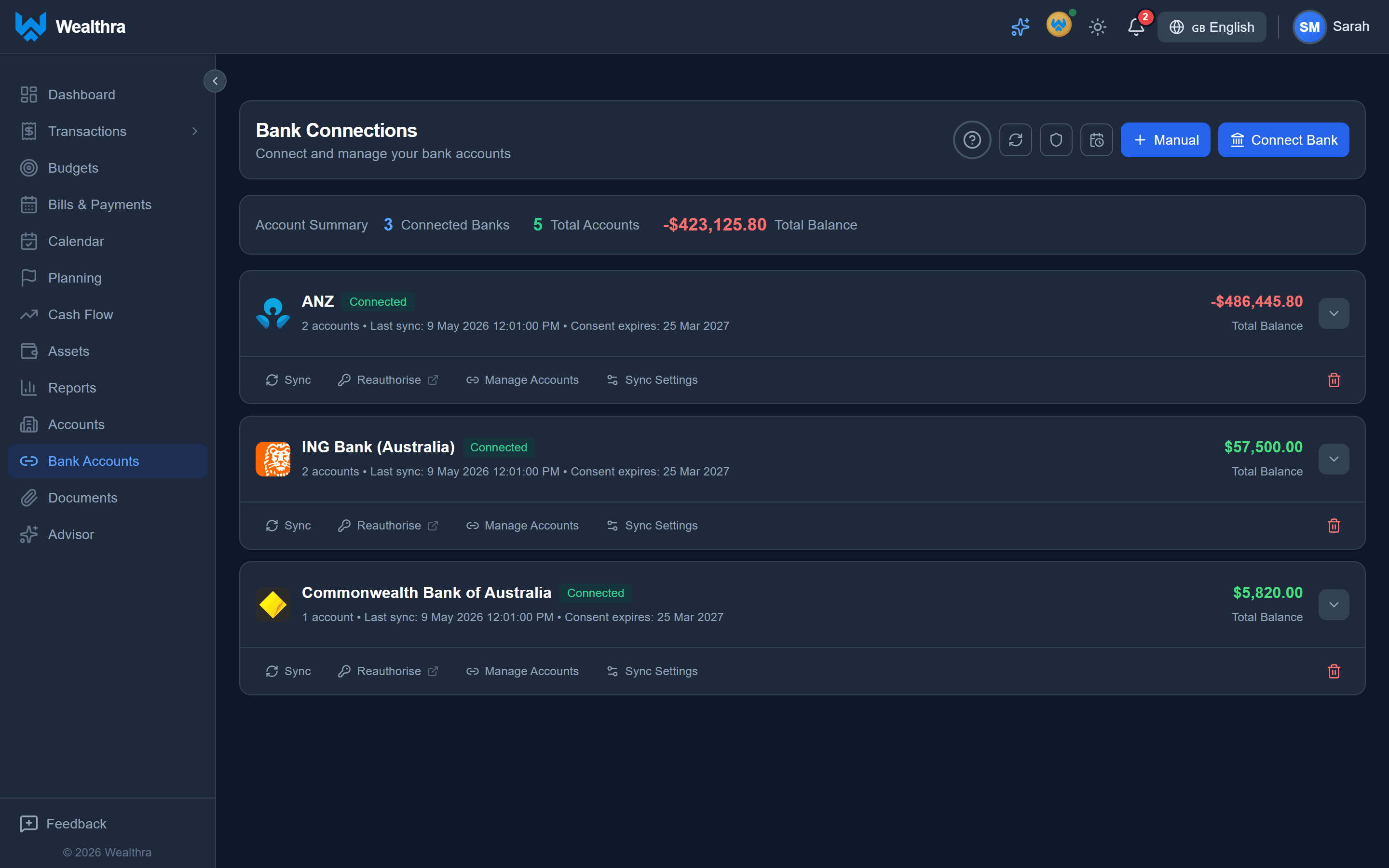
During sign-up or from Bank Connections, choose how much transaction history to import before you connect. You can add more history later if a particular question calls for it.
2. Start with 12 months of transactions
We recommend 12 months. A year gives you enough history to spot regular spending, less frequent bills and seasonal changes as you build a budget. Importing more than that at the outset often adds old transactions to review without improving the decisions you need to make today. It can make a fresh start feel overwhelming.
If your finances have changed recently, you may prefer a shorter period to get moving. If you later need to look further back, you can increase the import period in Bank Connections and sync again. You do not have to solve your entire financial history on day one.
3. Let the Rules Library handle repeat transactions
Once your transactions arrive, check the patterns that keep showing up: a regular salary payment, rent, groceries or a recurring subscription. The Rules Library gives you a starting point for common allocations. Adopt a useful rule, then adjust it to match your own transactions; you can also make your own rules for repeat payees.
When a rule applies, Wealthra can automatically allocate and confirm matching transactions. Review your rules and a few results first so you know that, for example, a transfer is not being treated as spending. A good rule saves work every time a similar transaction comes in.
4. Clear the leftovers with Bulk Update
Not every transaction needs its own rule. On the Transactions page, filter the list to a group you recognise or select specific transactions. Assign the right account to one transaction, then use Bulk Update to apply that allocation to the other visible or selected transactions. Check the confirmation prompt before applying the change so unrelated items stay untouched.
Once the allocations look right, you can confirm selected transactions together. Use rules for patterns that will recur, and Bulk Update for one-off clean-up. That keeps your first pass focused on the transactions that matter to your budget.
Get a useful starting point, then refine it
Your first budget does not need years of perfectly categorised history. Connect the accounts that capture your real cash flow, choose 12 months as a sensible default, review a few repeat transactions, and let rules and bulk updates take care of the rest. You can always dig deeper once you know what you want to learn.
Ready to see where your money goes? Explore budgeting in Wealthra, or open the app and connect your accounts.